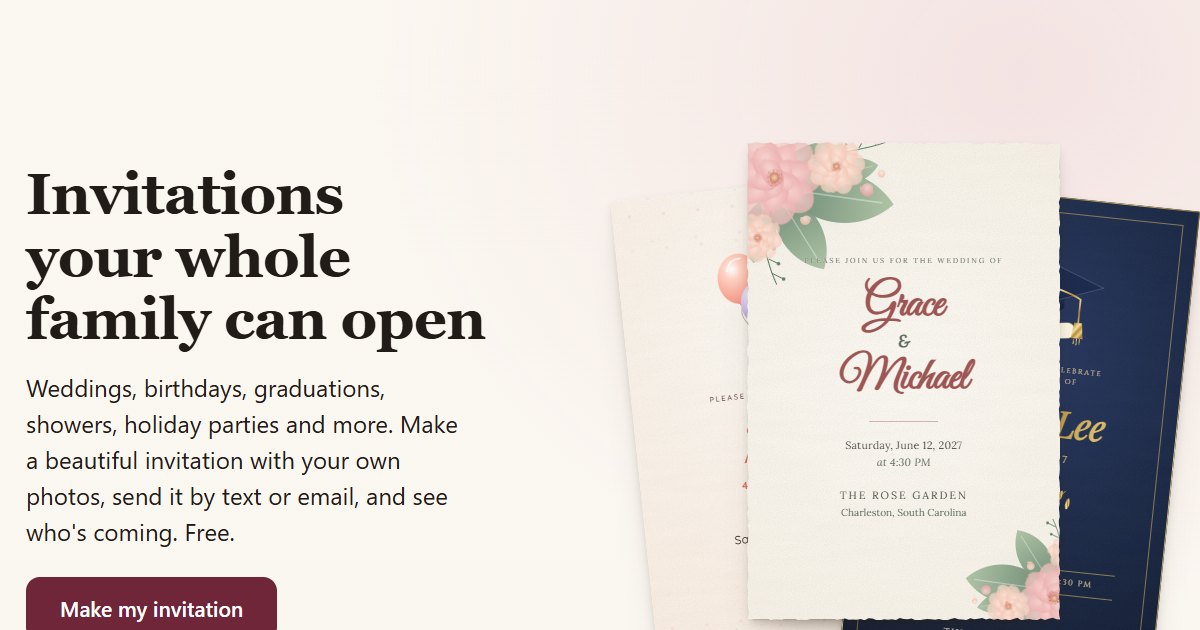
We built Kenji Invites because the free invitation sites kept doing the same three things to people we know: ads on the invitation, guests asked for a phone number before they could answer, and the nice designs or bigger guest lists locked behind a payment. So we made a free one. Here is what we learned watching people use it, whatever tool you end up picking.
1. Send it from your own phone
An invitation that arrives as a text from someone you know gets opened. One from a "noreply" address often lands in a promotions tab and sits there. Send each guest their link from your own phone or email, even if it takes a few extra minutes.
2. Decide the seats before you send
Most RSVP headaches are plus ones nobody planned for. Decide how many people each invitation is for: 1, 2 for a couple, 4 for a family. Then use an RSVP that can't go over that number. On Kenji Invites you set it per guest, and the reply form stops at it.
3. Send it at the right time
- Weddings: 6 to 8 weeks before, RSVP by 3 to 4 weeks out. Wedding wording and tips.
- Birthdays: 2 to 3 weeks for kids, 3 to 4 for adults, 6 to 8 for a big milestone. Birthday wording.
- Baby and bridal showers: 4 to 6 weeks before. Baby shower, bridal shower.
- December holiday parties: by mid November, because December weekends fill up. Holiday party wording.
4. Put everything a guest needs on one page
Date, start time, the full address with a map link, parking, dress code, and every event if there is more than one, like a rehearsal dinner or a gift exchange. A guest should never have to text you to ask where to go.
5. Make answering one tap
Every extra step loses replies. No account, no app, no password. Your grandmother should be able to open the link and tap Yes. If your tool makes guests sign up, expect a chunk of them to never answer.
6. Follow up once, personally
A week before your RSVP date, look at who hasn't answered and text them yourself: "Hey, just checking if you can make it Saturday." That one message gets most of the stragglers. If they answer you in person, record it on your list so your count stays right.
Try it free
Kenji Invites is free for any celebration: 36 designs, up to 8 photos, RSVP with seat limits, and no ads or guest accounts. Browse the designs, see how the RSVP page works, or read why people use it as an Evite alternative.